  • 产品
  • Software evaluation
  • 下载
  • Free utilities
  • 购买
  • 芯片厂商
  • 支持
  • 关于我们
  • Search
  • 工作机会
  • 新闻简报
  • 联系我们
  • Embedded Studio
  • Code Editor

    Code Editor

    Write, navigate, and manage embedded code efficiently

    • Intelligent code completion and syntax highlighting
    • Fast navigation through files, functions, and methods
    • Customizable views for better code organization
    Buy now Downloads Documentation
    SEGGER Embedded Studio

    Overview

    Embedded Studio includes an integrated code editor designed to simplify everyday development tasks. Features such as code completion, syntax highlighting, and code folding make it easier to write and structure source code.

    Navigation tools, customizable views, and visual indicators help developers work efficiently, even in larger projects.

    Bracket highlighting

    Matching brackets are highlighted automatically, making it easier to identify code blocks, even in deeply nested structures.
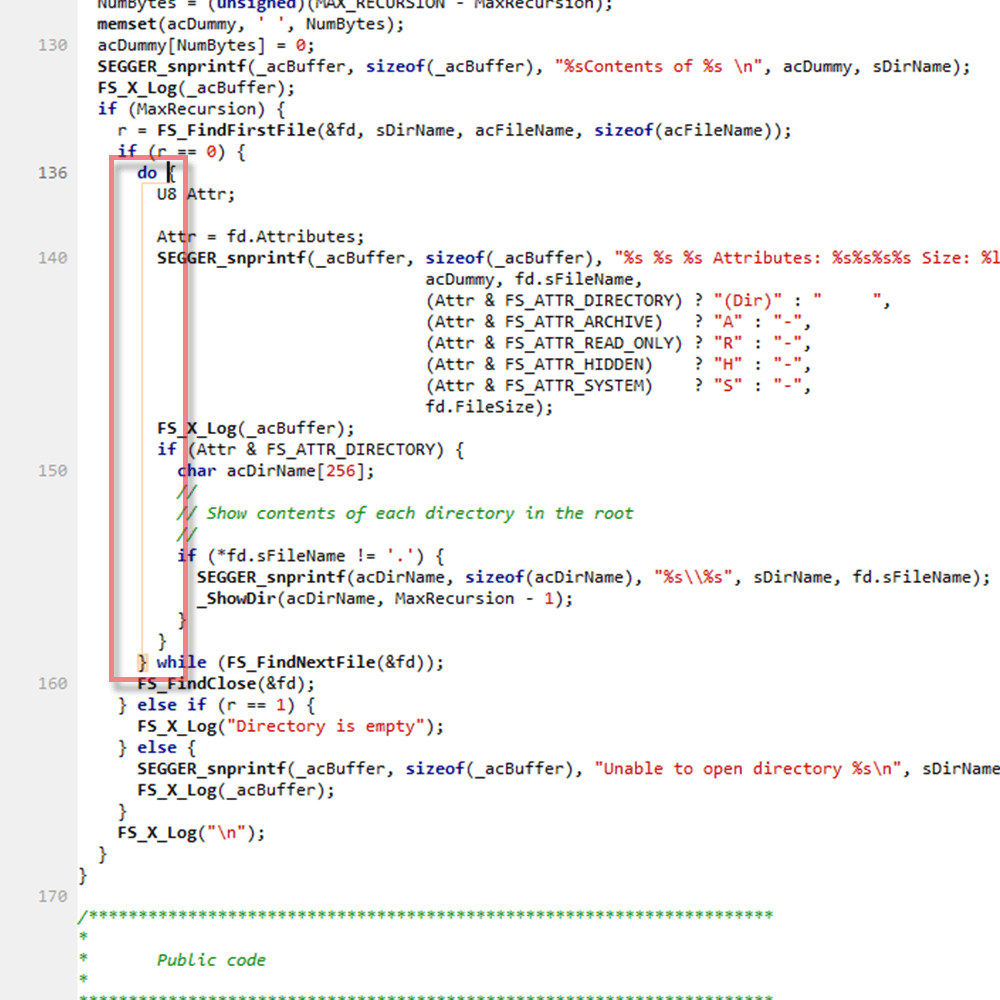
    ES_bracket-highlighting

    Code completion

    Embedded Studio provides suggestions for code completion based on your application, while you type.
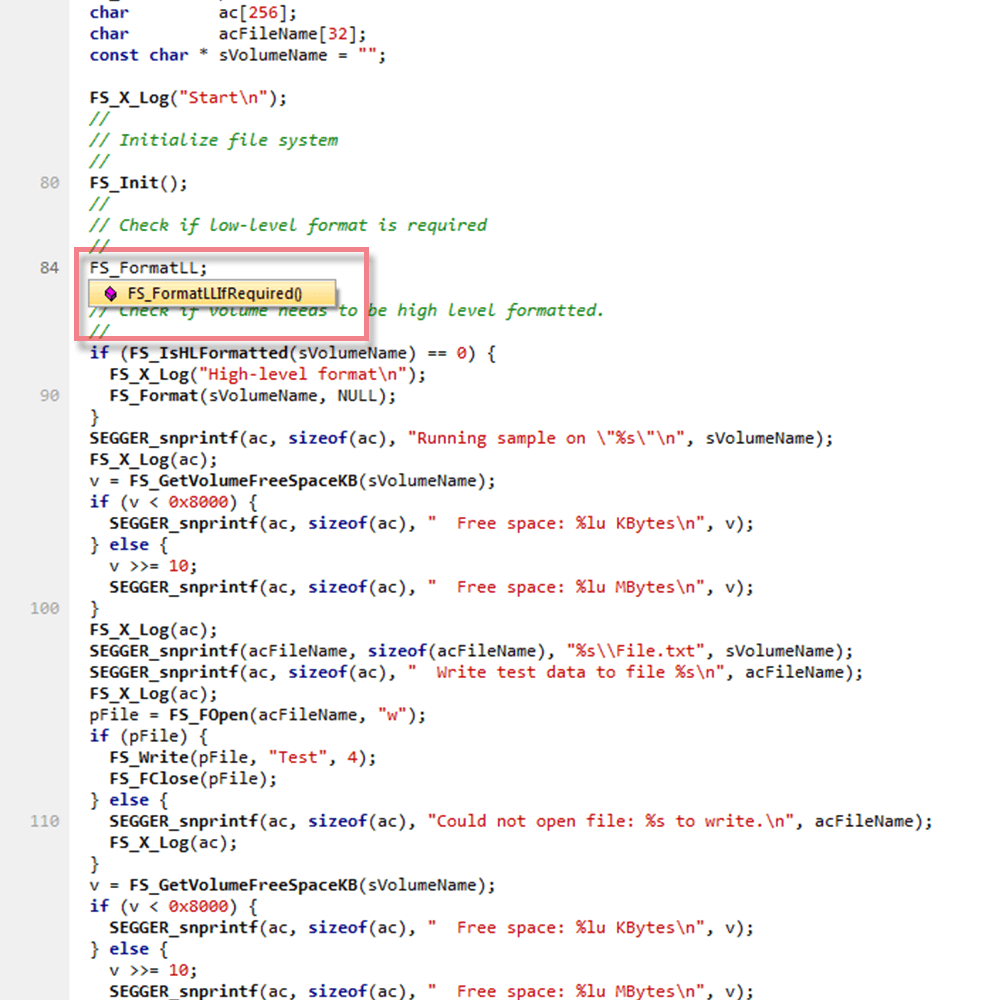
    ES_code-completition

    Code folding

    Collapse sections of code to focus on relevant parts of the application and improve readability.
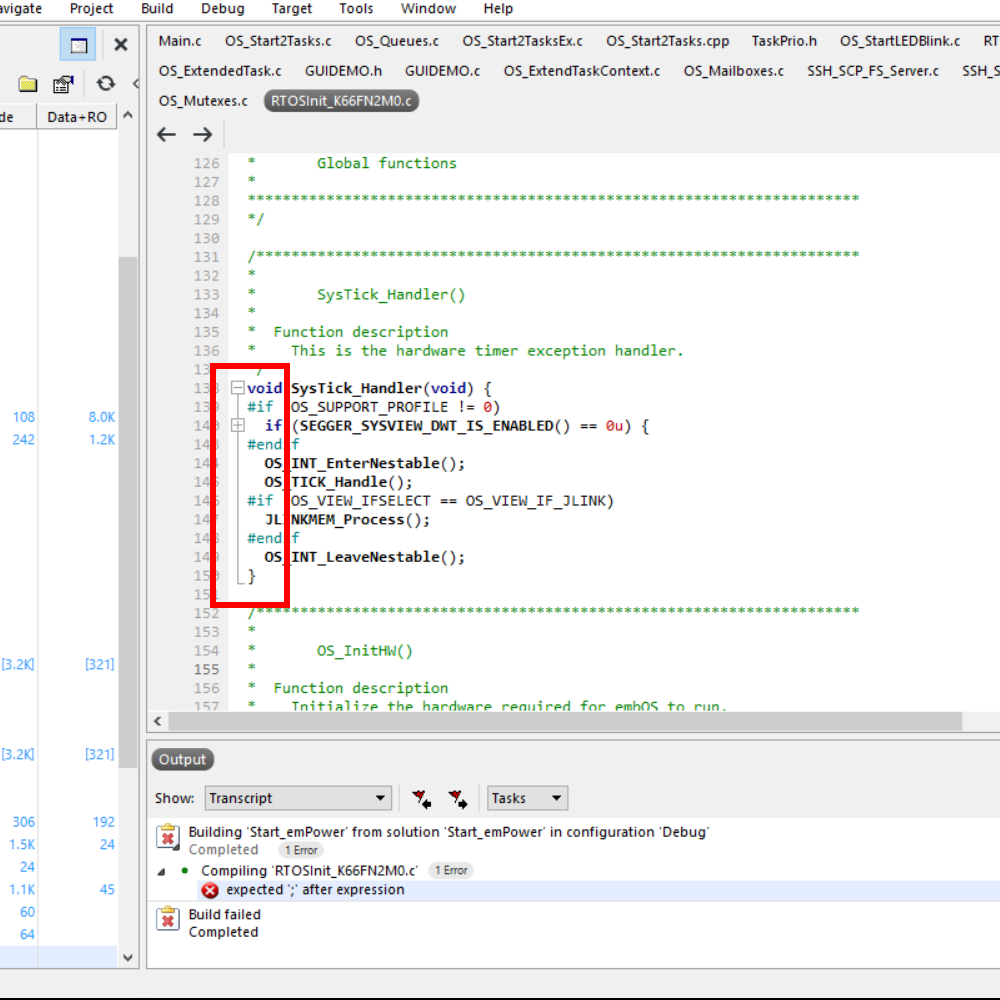
    The image displays a programming code snippet, focusing on the definition of the `SysTick_Handler` function. It includes conditional compilation directives and error messages related to building a solution in a development environment. The context relates to a hardware timer exception handler.

    Code templates

    Code templates enable easy insertion of text blocks, such as function headers for documentation tools, or skeletons for your functions.
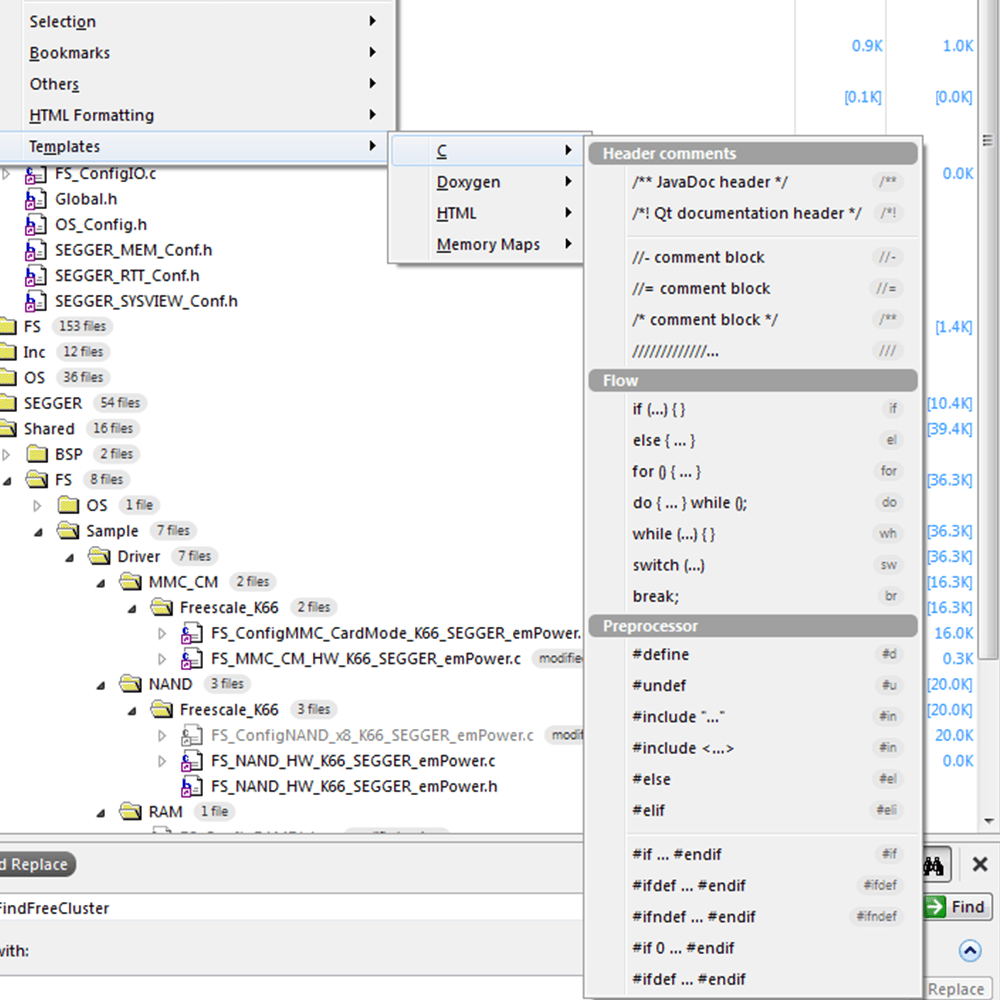
    ES_templates

    Easy navigation

    Quick input for text, methods, and files accelerate search and open. Bookmarks provide fast switches between locations of interest.
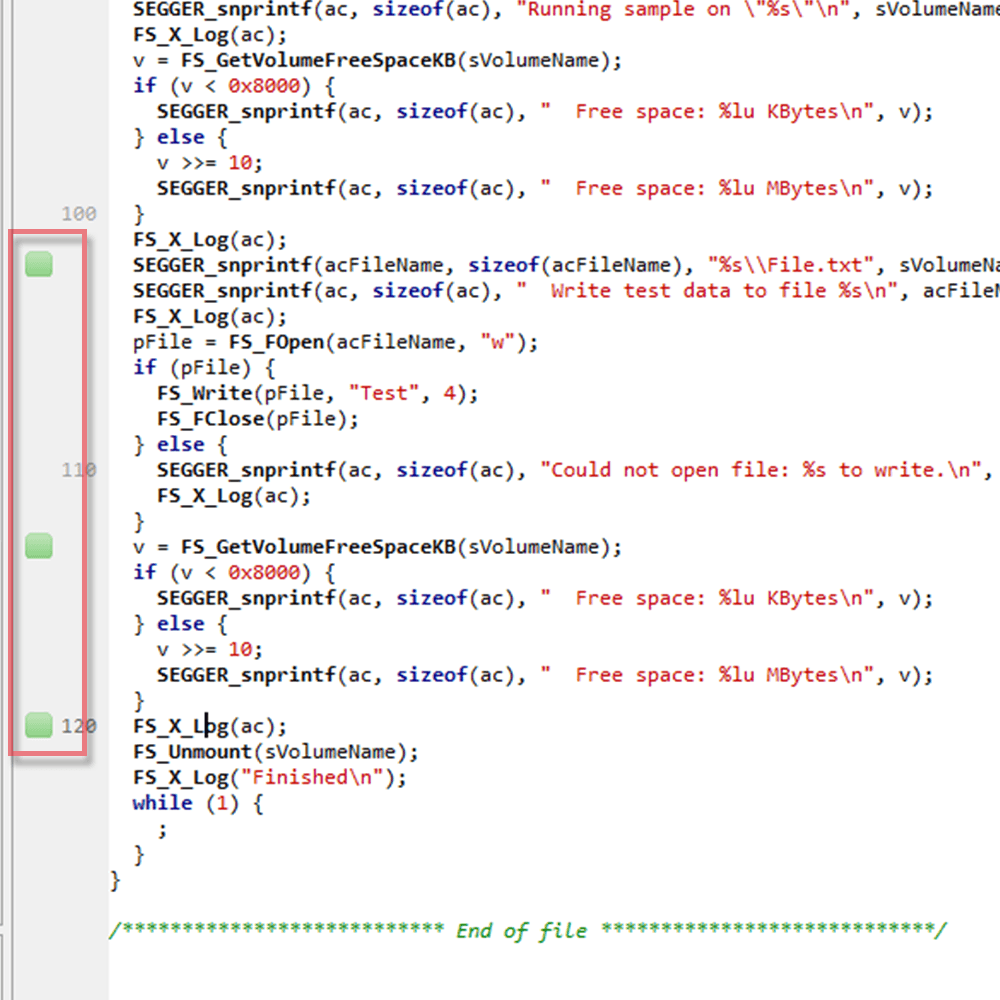
    ES_bookmark

    Syntax highlighting

    The code editor supports the language of the source file it is editing, showing code with syntax highlighting.
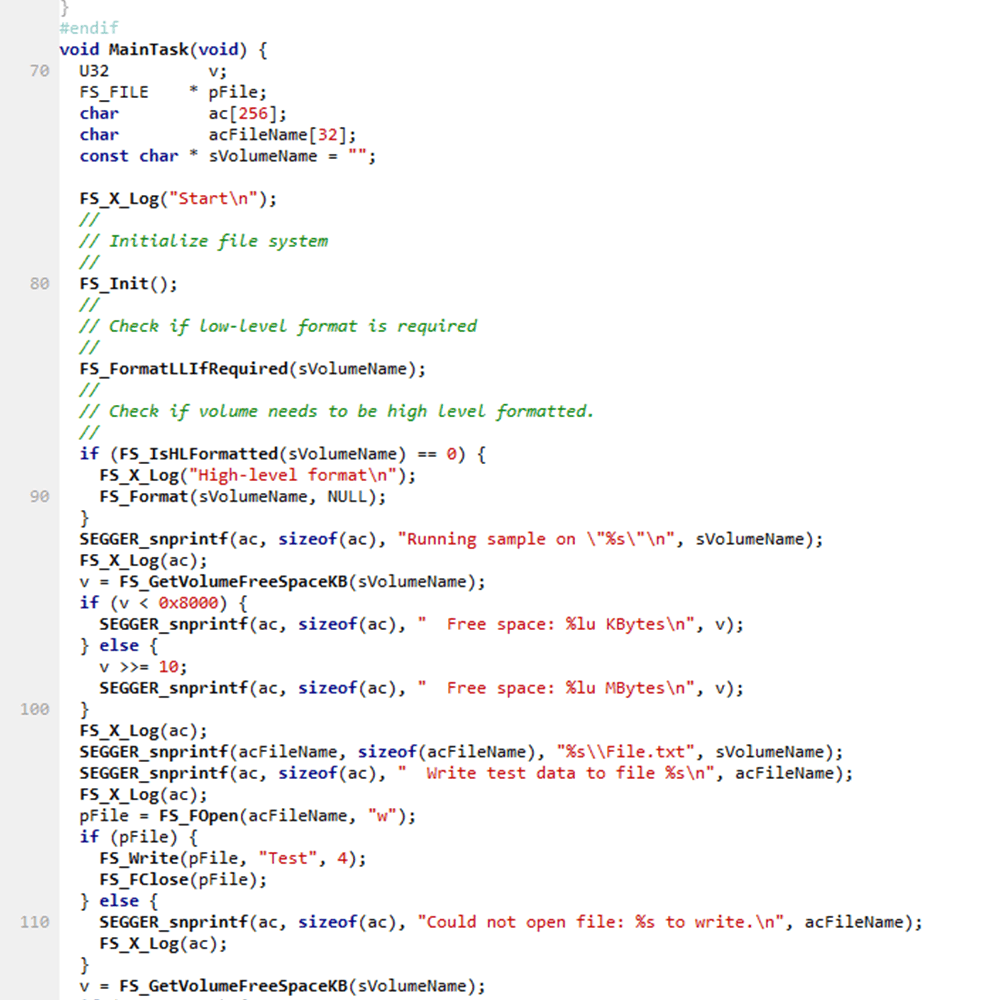
    ES_syntax-highlighting

    Toggle Split Window

    Split Windows enable a quick overview of different source lines in the same file.
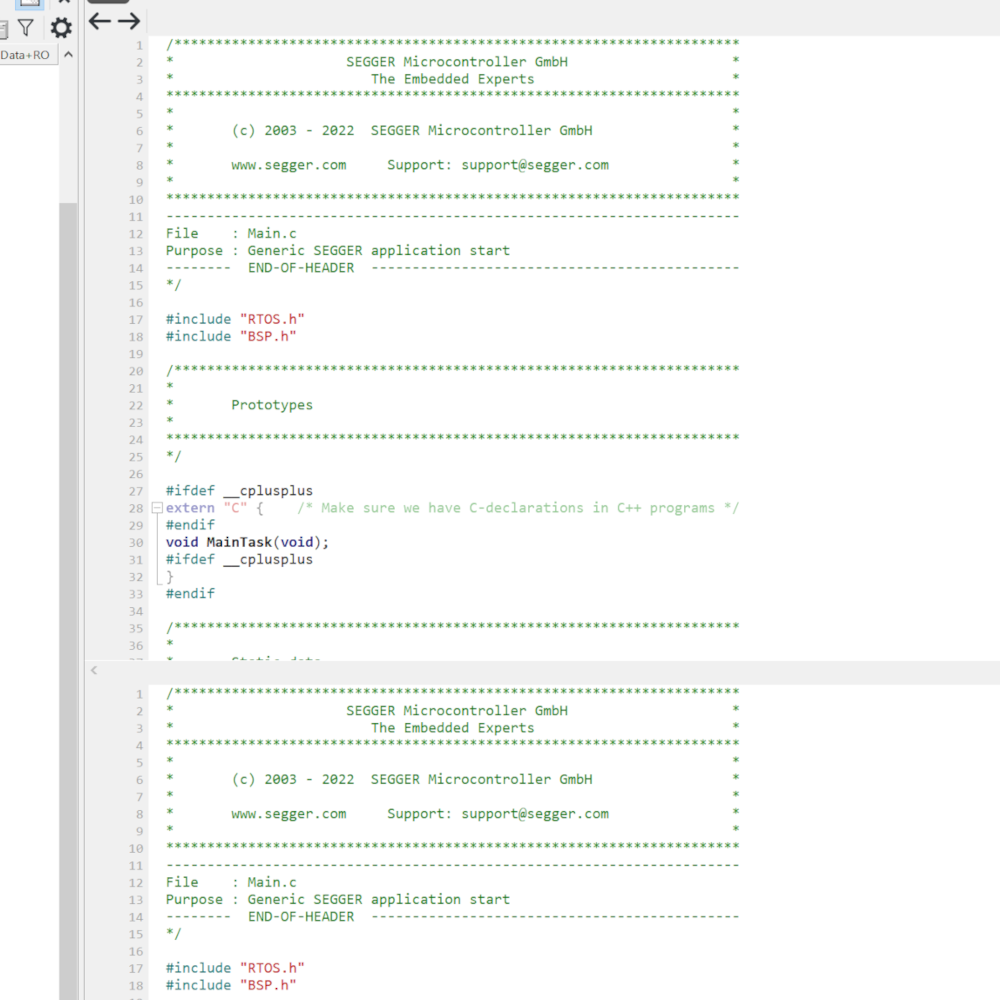
    The image displays a code snippet from a C programming file for a SEGGER embedded application. It includes comments, header information, and function prototypes for RTOS and BSP integration. Key features include references to extern "C" for C++ compatibility and a main task function declaration.

    Unused code highlighting

    Based on pre-processor defines, from the project settings or the sources, unused code is greyed out.
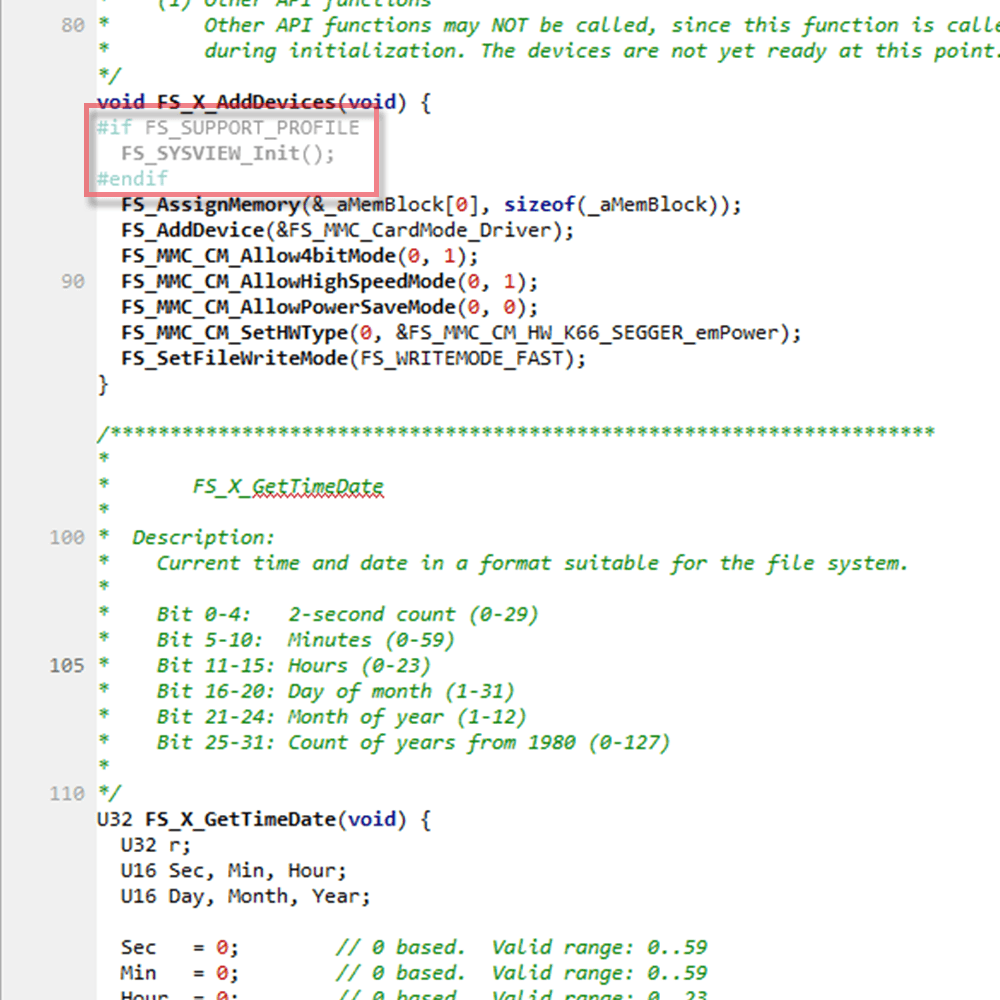
    ES unused code 2

    Visual Scrollbar Appearance

    Embedded Studios Scrollbar shows different Information about the code so that it can be navigated to quickly.
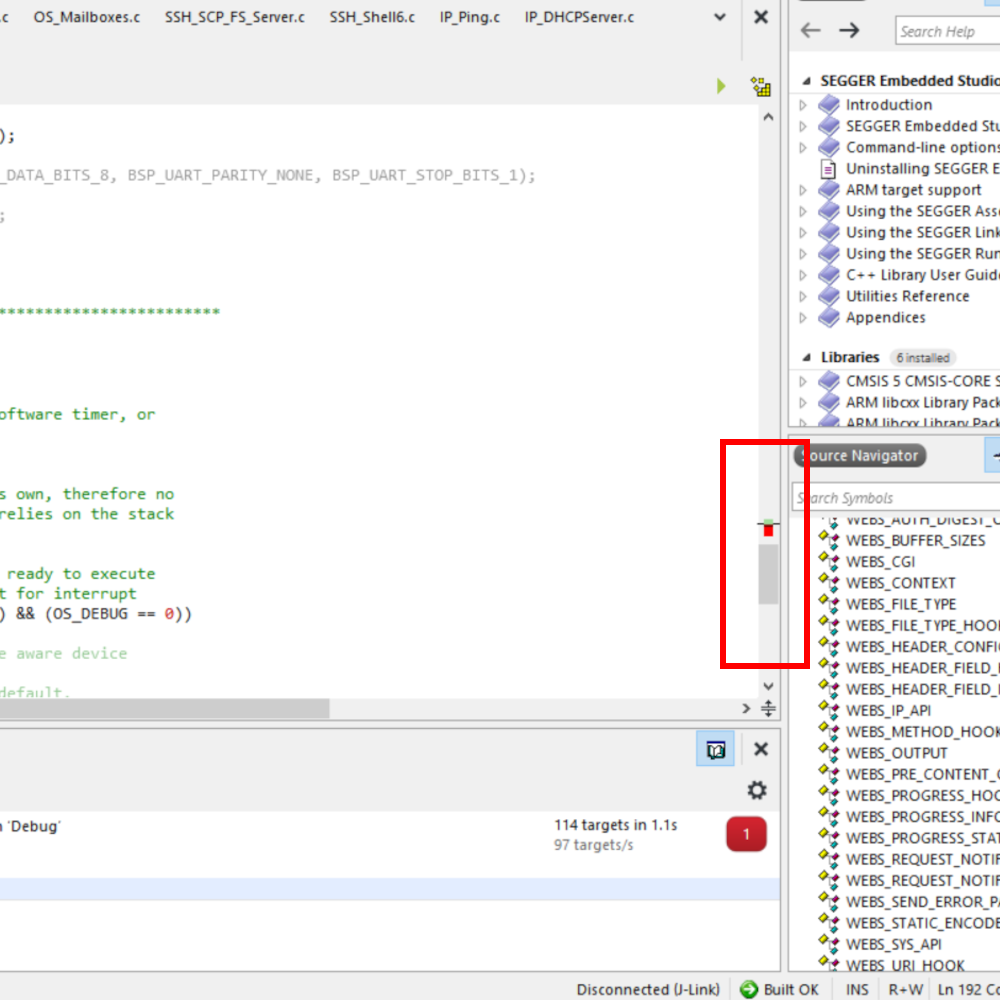
    The image shows a coding interface with source code displayed on the left, including function calls and comments about software timers. On the right, there is a source navigator panel containing a list of libraries and functions related to embedded systems programming.
    • User manual
    • Online documentation
    • List of downloads
    • Release notes
    • Update notification
    • Pricing
    • Support
    • Silicon vendor resources

    全球总部

    德国: SEGGER Microcontroller GmbH

    地址: Ecolab-Allee 5
    40789 Monheim am Rhein, Germany
    电邮: info@segger.com
    电话: +49-2173-99312-0
    传真: +49-2173-99312-28

    网点分布

    中国:哲戈微系统科技(上海)有限公司

    地址: 中国上海市闵行区秀涟路133号
    大虹桥国际A 栋218室
    邮编201199
    电邮: china@segger.com
    电话: +86-133-619-907-60


    简易信息聚合
    ISO 9001
    ISO 27001
    First-class embedded software tools since 1992
    Designed and made in Germany
    • 版本说明
    • 免责声明
    • 行为准则
    • 隐私策略
    • 沪ICP备2022005181号
    • 沪公网安备 31011202014525号
    © 2026 SEGGER - 版权所有.

    您即将离开 segger.cn 而访问境外网站,是否继续?