Installation
Get Embedded Studio up and running in just a few steps
- Available for Windows, Linux, and macOS
- Easy installation with guided setup
- Step-by-step instructions for each platform

Installation on Windows
Embedded Studio
Download and First Run
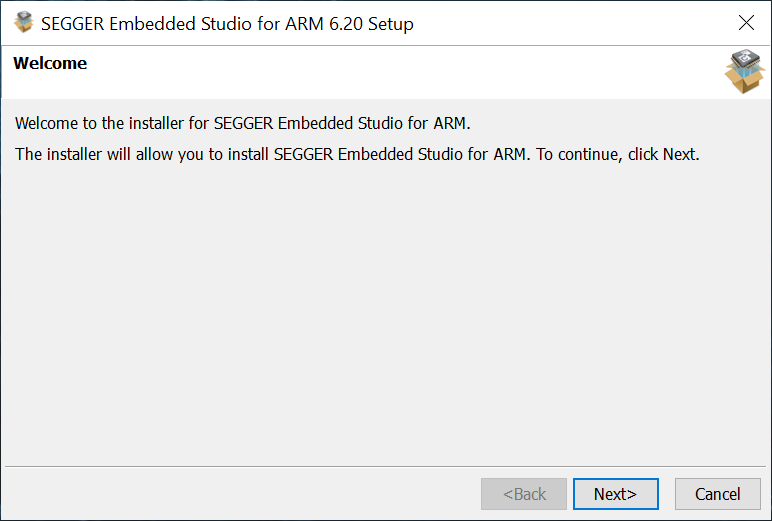
Start the installation.
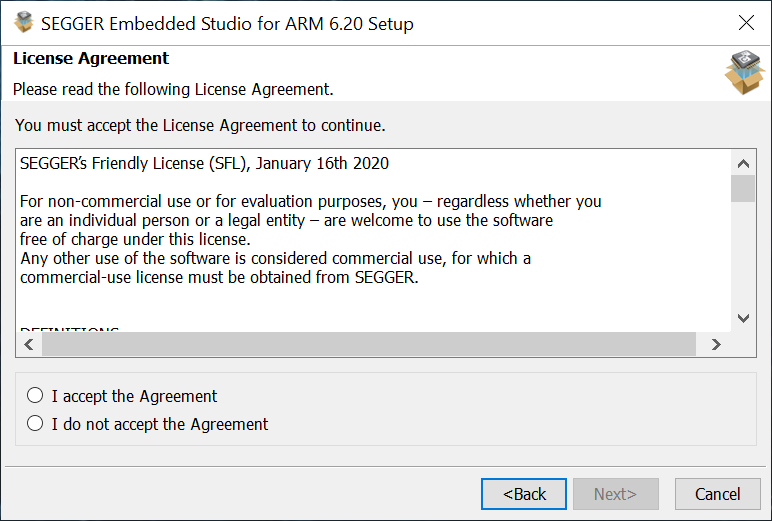
Accept the license agreement.
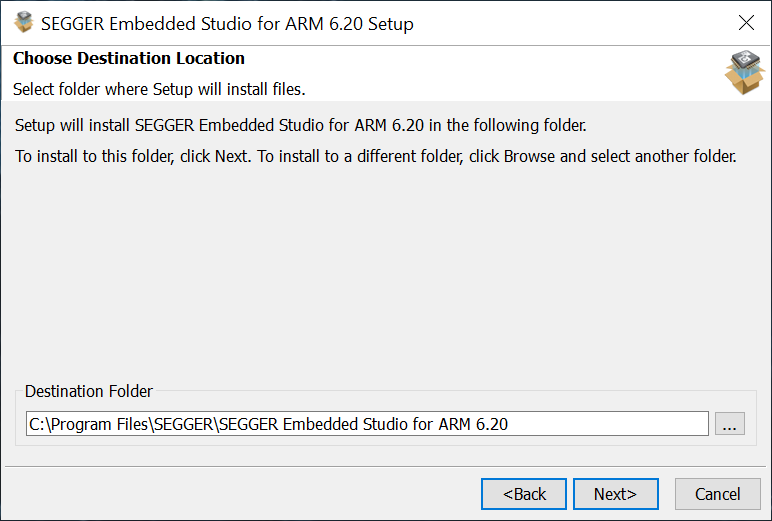
Choose the destination folder.

If an installation already exists in the destination, it is upgraded.
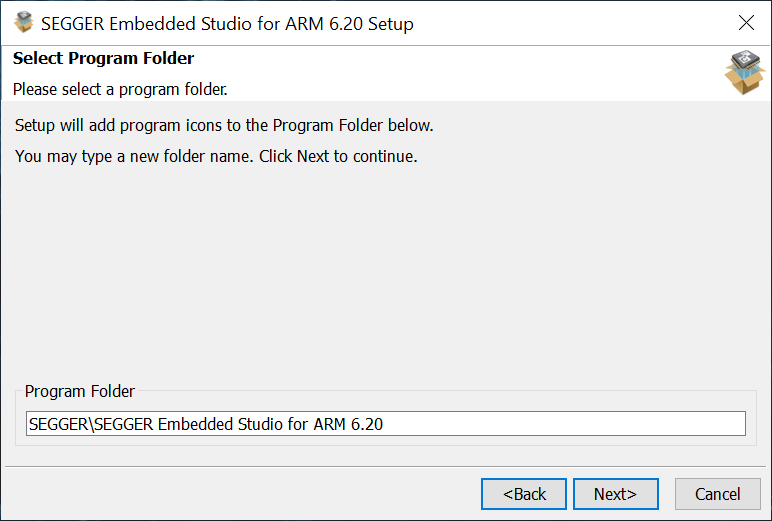
Select the start menu program folder.
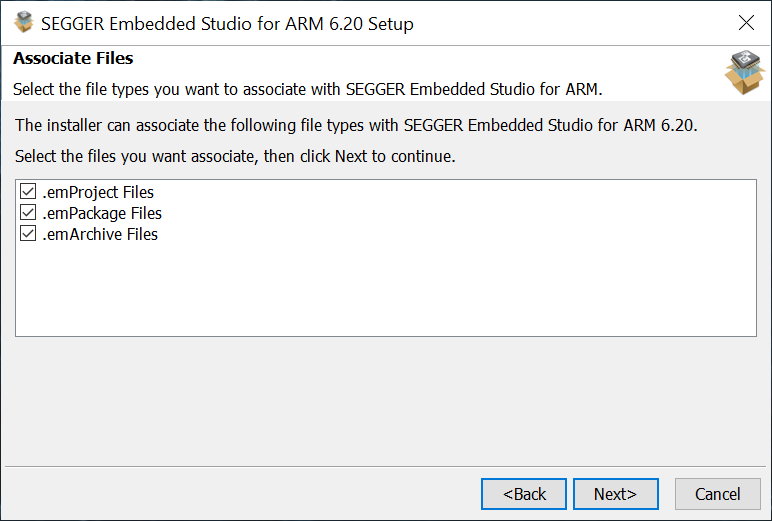
Associate file types with Embedded Studio.
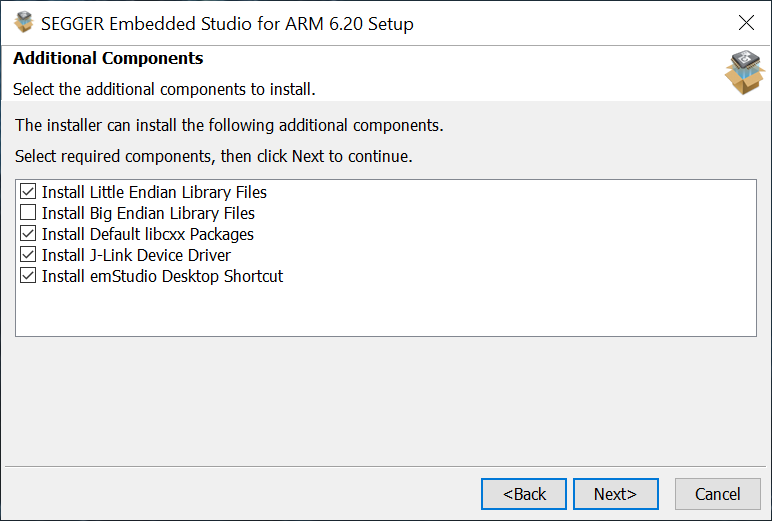
Select additional components.
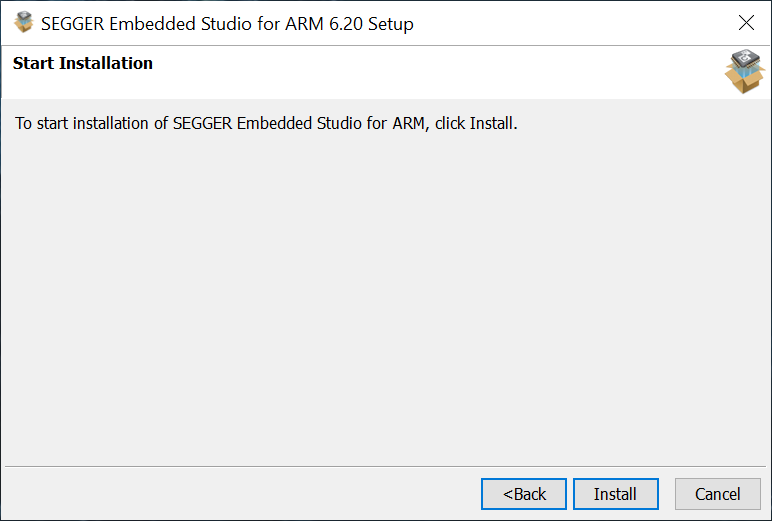
Start the installation.
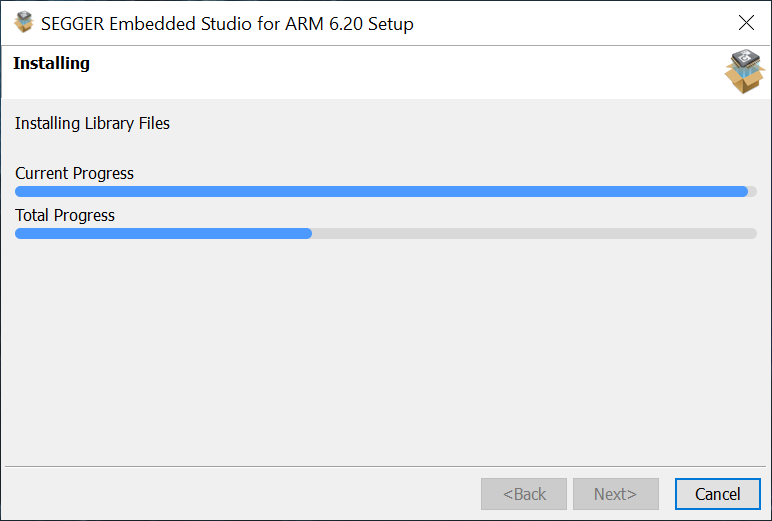
The setup installs Embedded Studio.
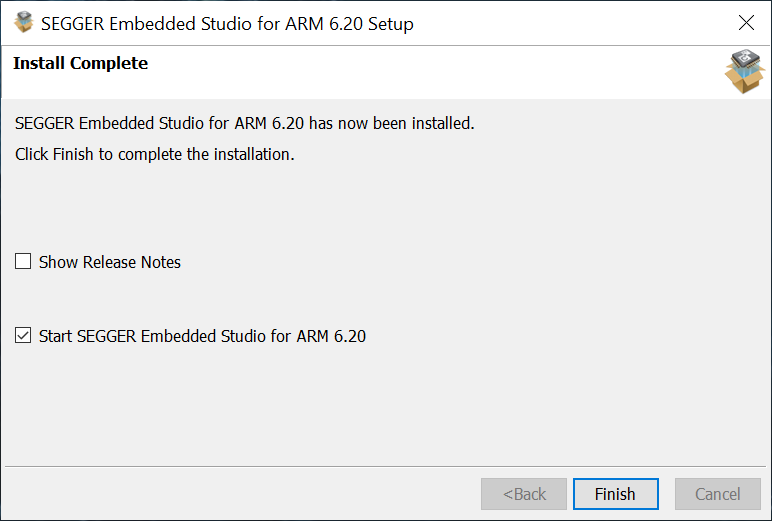
Finish the installation and run Embedded Studio.
Embedded Studio
Create new projects with CPU Support
Installation on Linux
Download and extract the setup to a folder on disk.
$ cd ~/Downloads
$ wget https://www.segger.com/downloads/embedded-studio/Setup_EmbeddedStudio_linux_x64.tar.gz
$ tar -xzvf Setup_EmbeddedStudio_linux_x64.tar.gz
Go to the extracted folder and execute the setup.
$ cd segger_embedded_studio_<xxx>_linux_x64
$ sudo ./install_segger_embedded_studio

The setup guides through the installation.

Accept the license agreement.

Choose the destination folder.
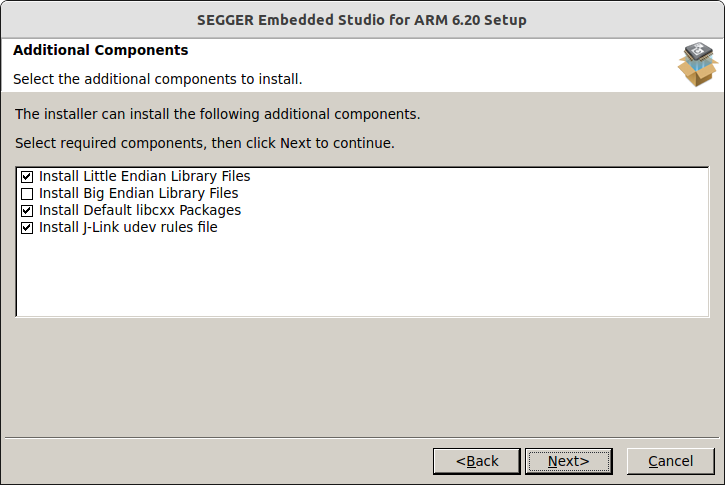
Select additional components.

Start the installation.

The setup installs Embedded Studio.

Finish the installation and run Embedded Studio.
For installation on headless systems, such as build servers, run the setup in command line mode.
$ sudo ./install_segger_embedded_studio --copy-files-to <DestinationFilder>
Installation on macOS
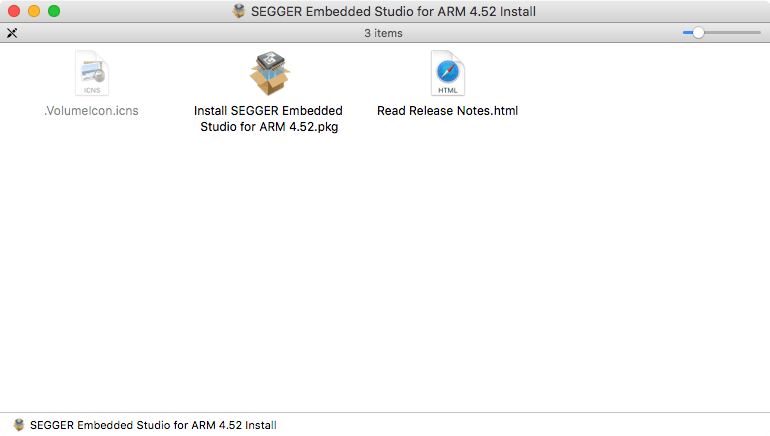
Open the downloaded disk image in Finder.
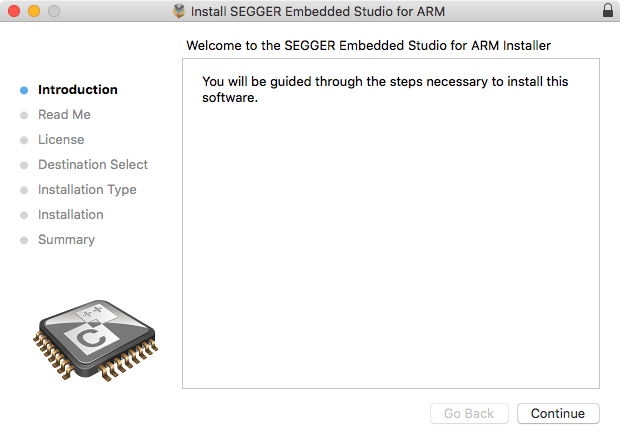
Start the installation.
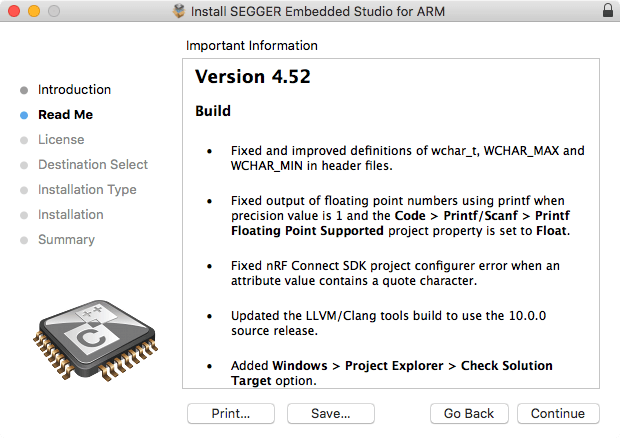
The setup presents the current release notes.
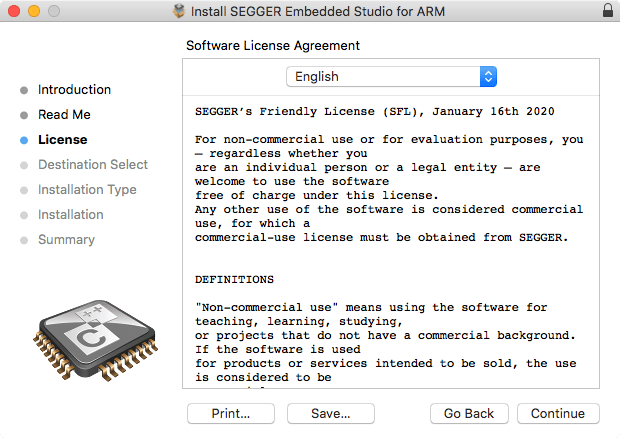
Read the license agreement.
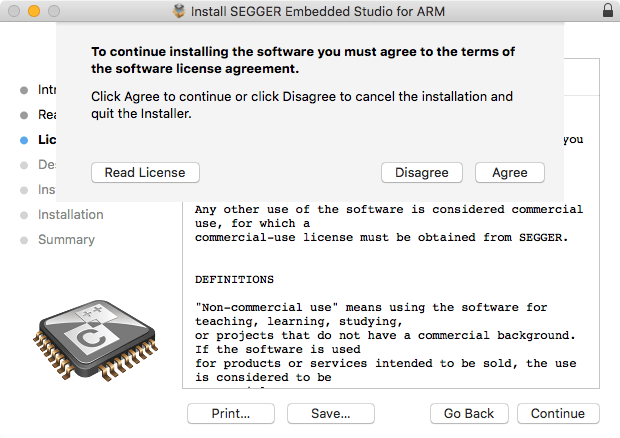
Accept the license agreement.
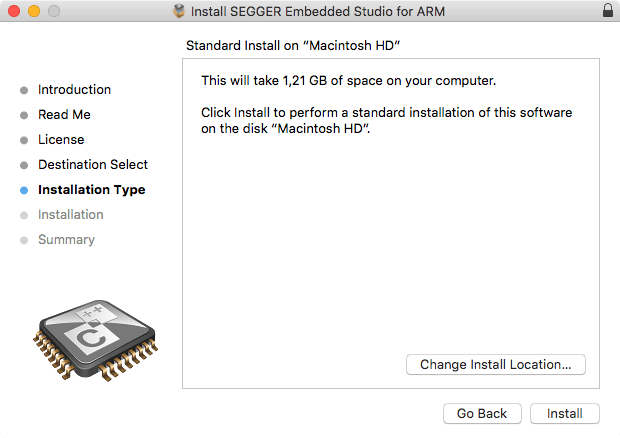
Start the installation.
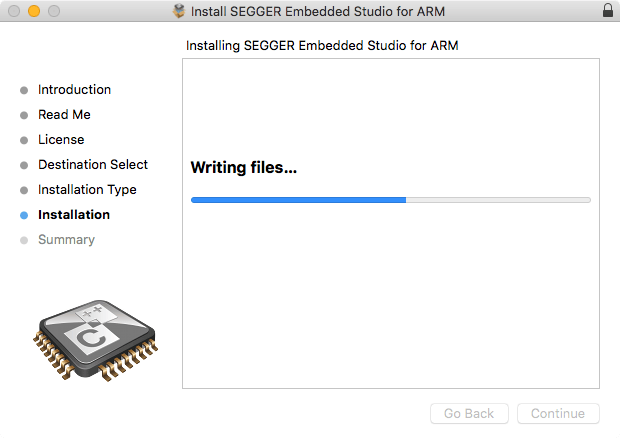
The setup installs Embedded Studio.
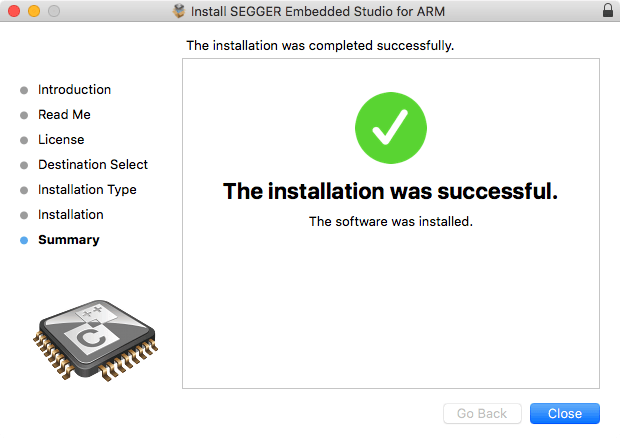
Finish the installation and run Embedded Studio.